Learn
See how it works.
Short films of the real app, seconds each, in the order you'd learn it. Click one to watch it here. More come as new features ship.
Dubplate Studio, the film
-
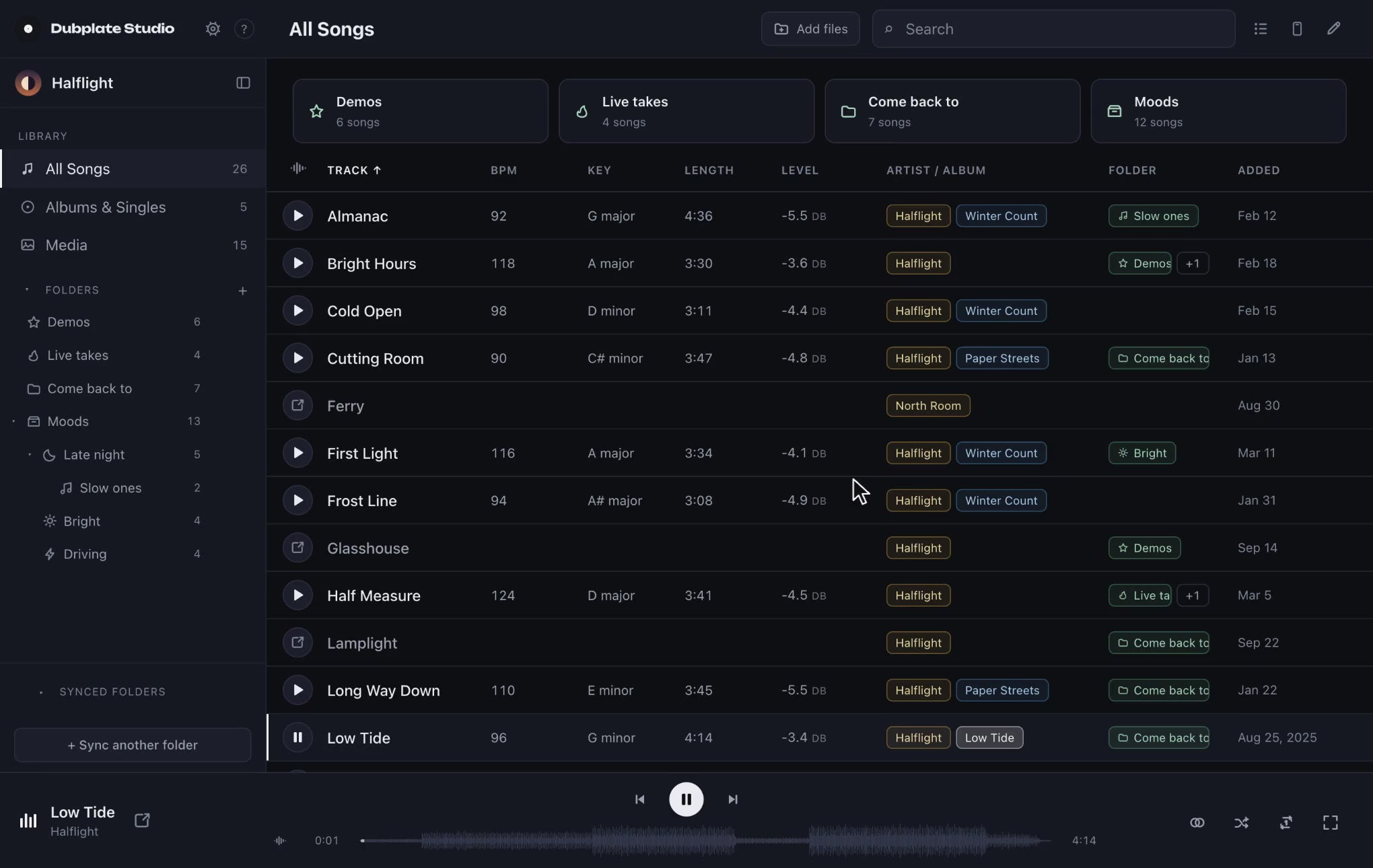
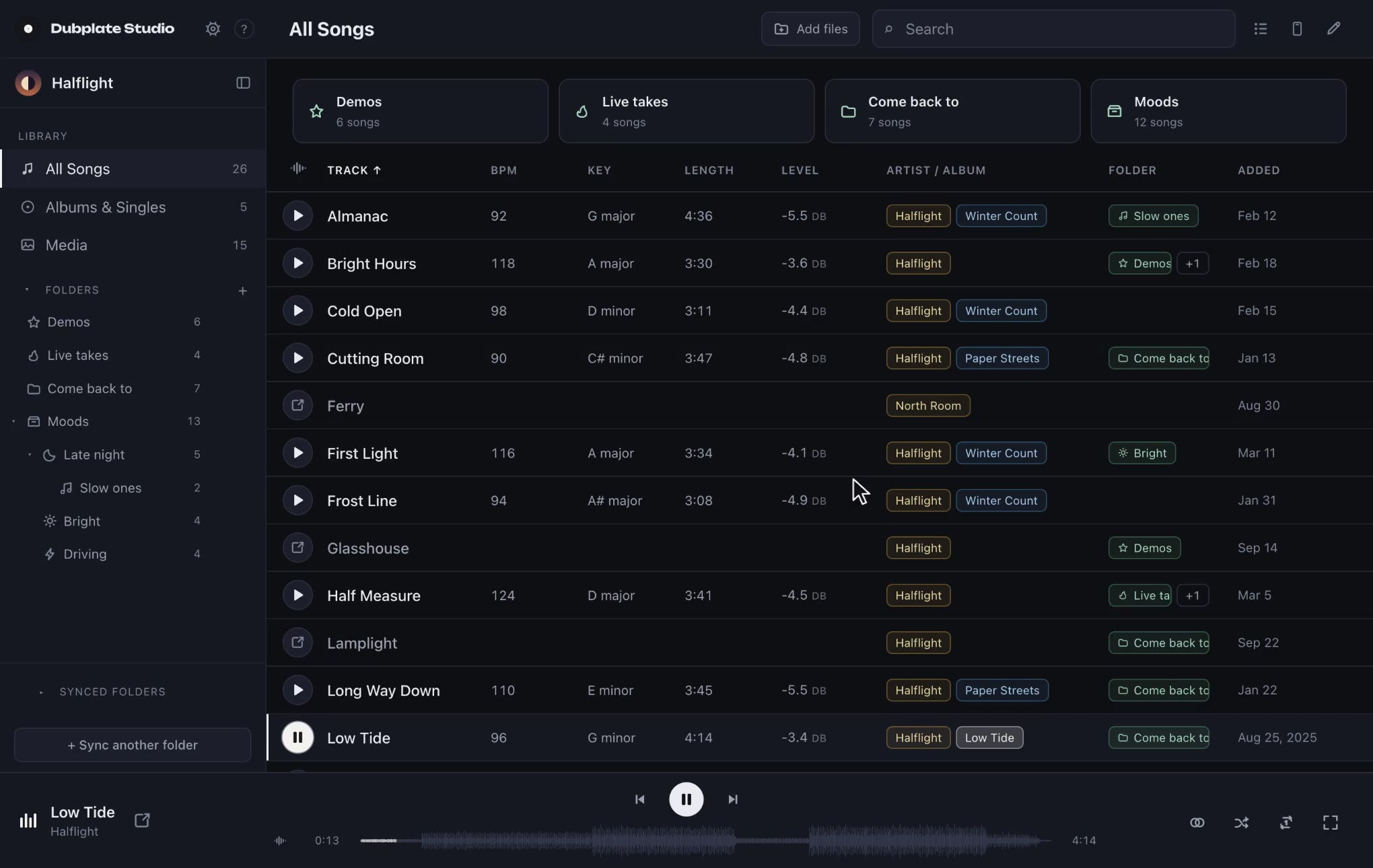
Find any song Type part of a name and the list narrows to it. Clear it and the whole library is back.
-
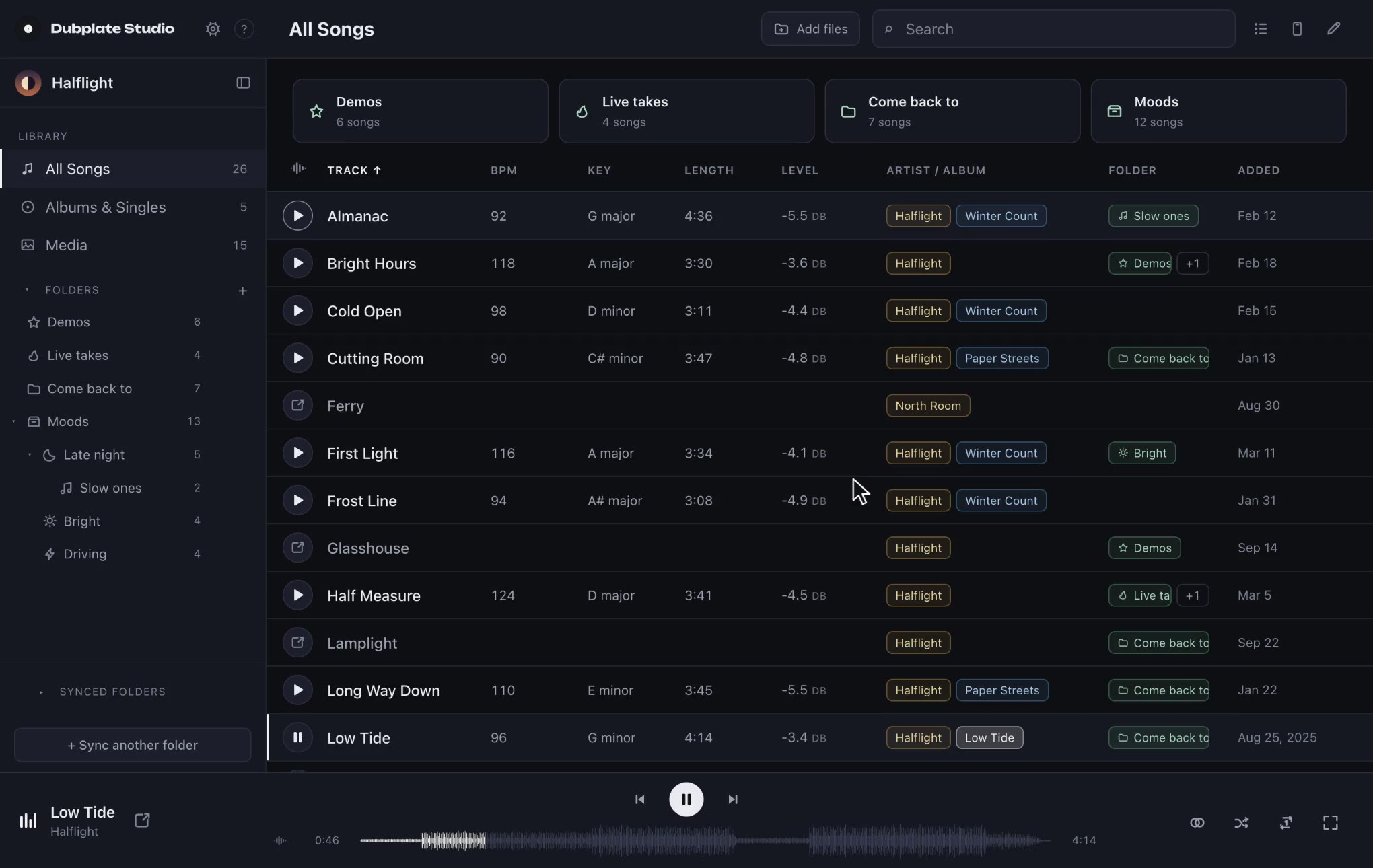
Every column sorts Tempo, key, length and loudness, worked out on your Mac. Click a column to sort by it.
-
Artist profiles A profile for every name you release under and everyone you produce for. Click between them.
-
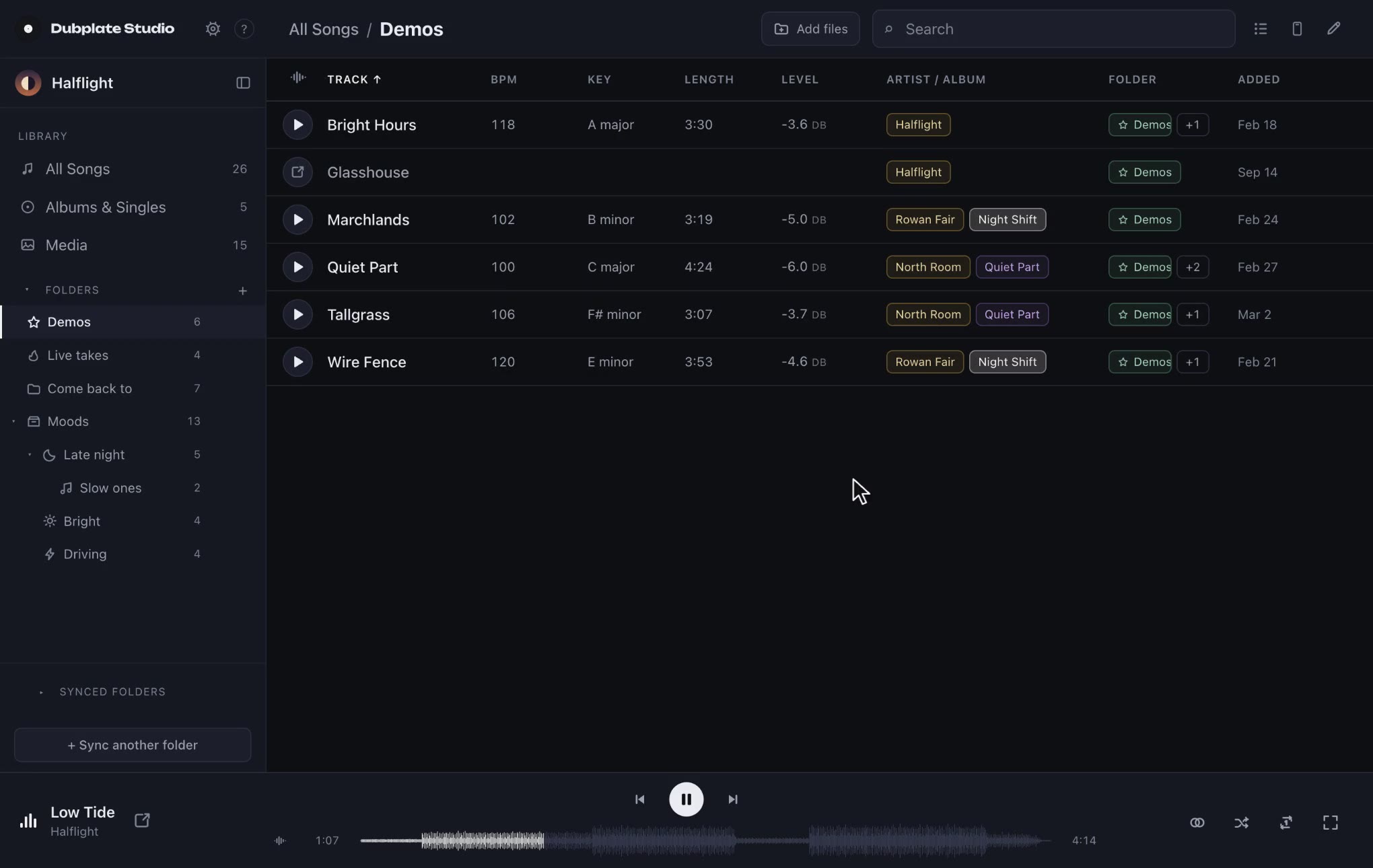
Folders inside folders Demos, live takes, the ones to come back to, as deep as the way you think.
-
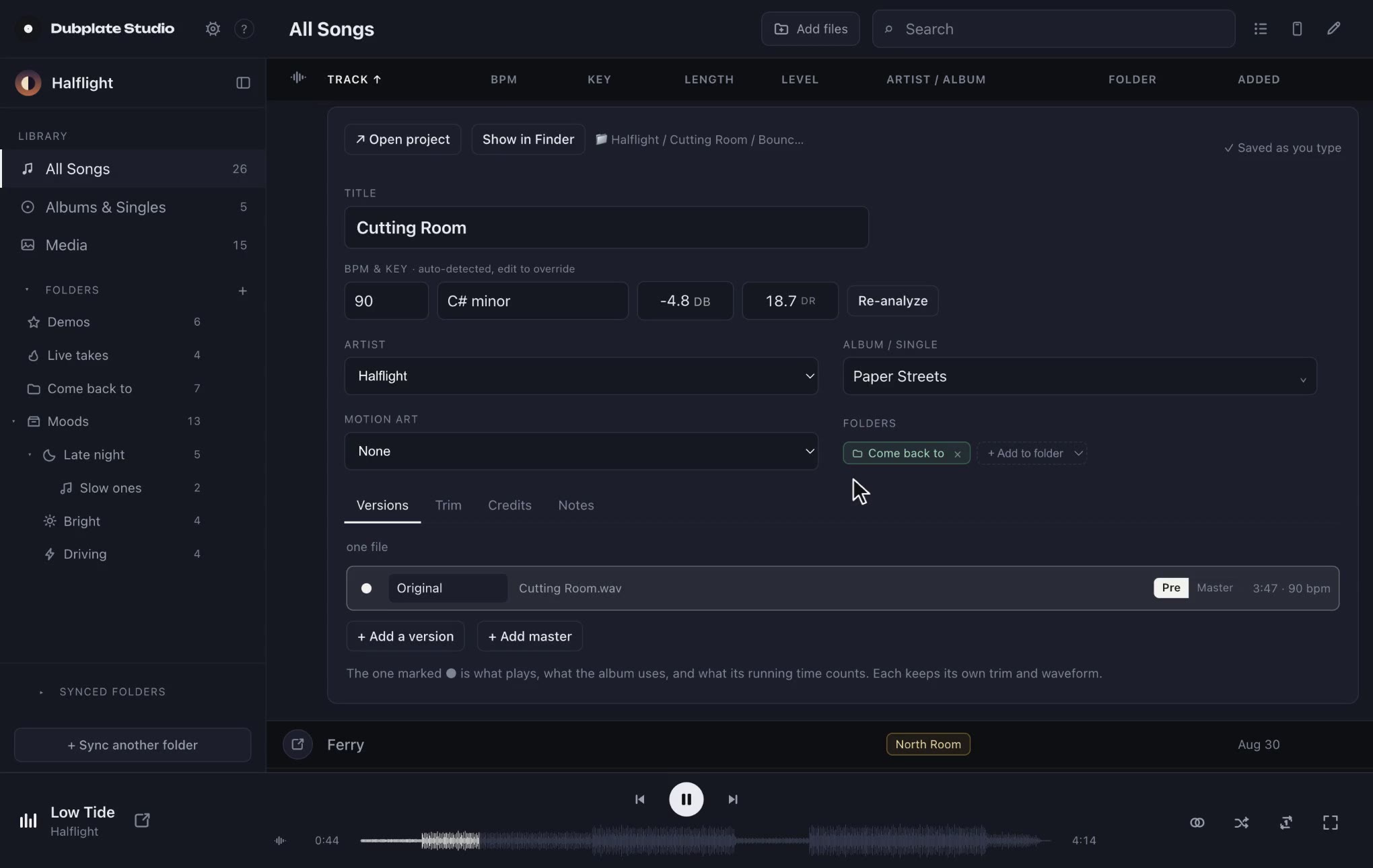
Open the session Each bounce is paired with the project that made it. Open project hands it to your DAW.
-
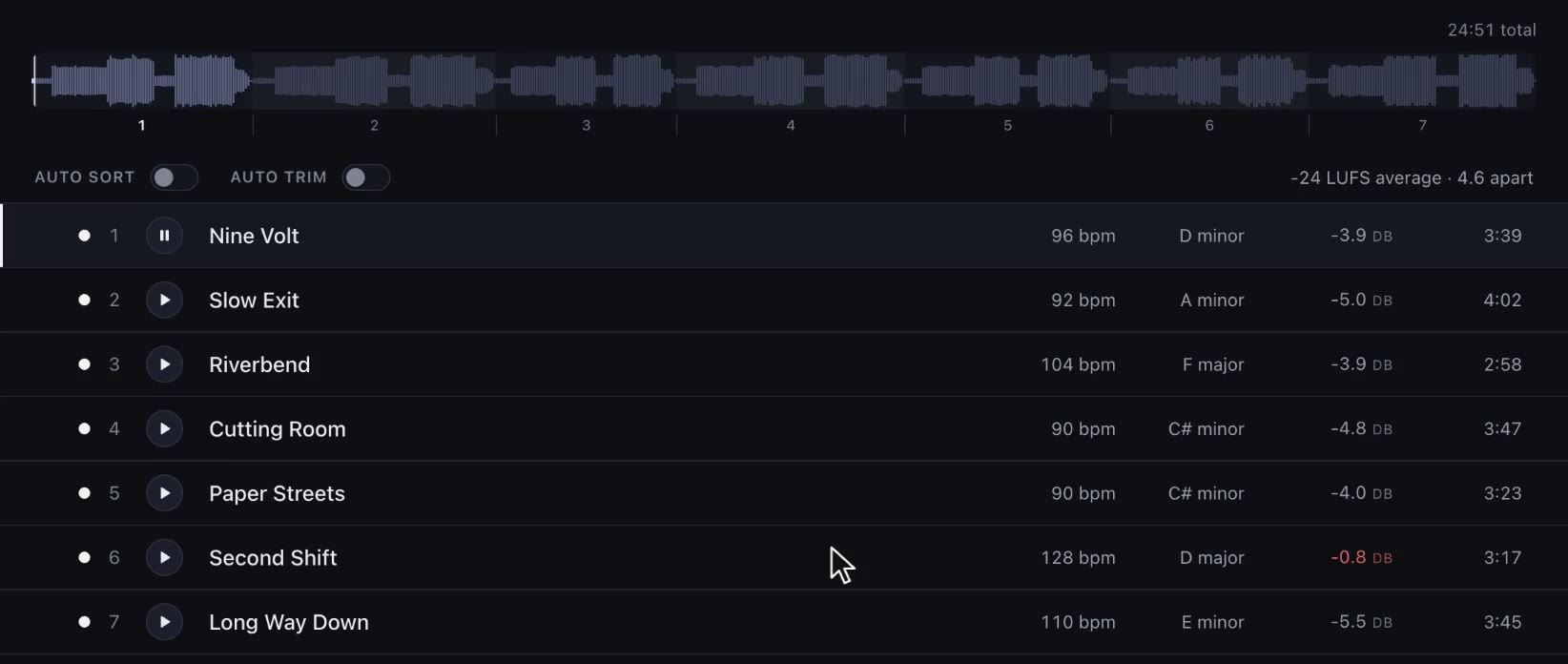
Hear it as a record One waveform for the whole record, numbered at every track. Click anywhere to play from there.
-
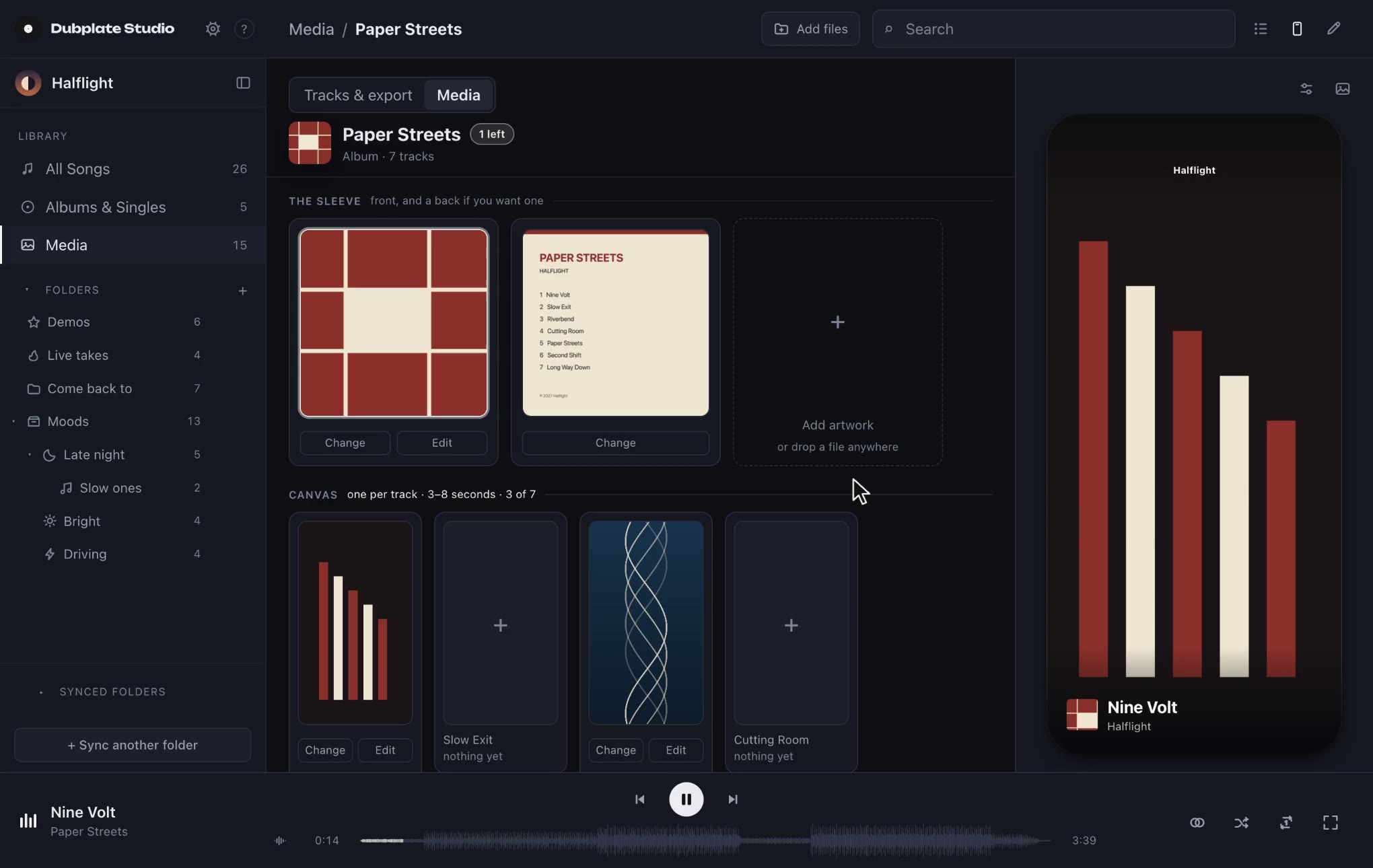
Artwork and Canvas The sleeve, front and back, and a Canvas for every track, with a phone to see it on.
-
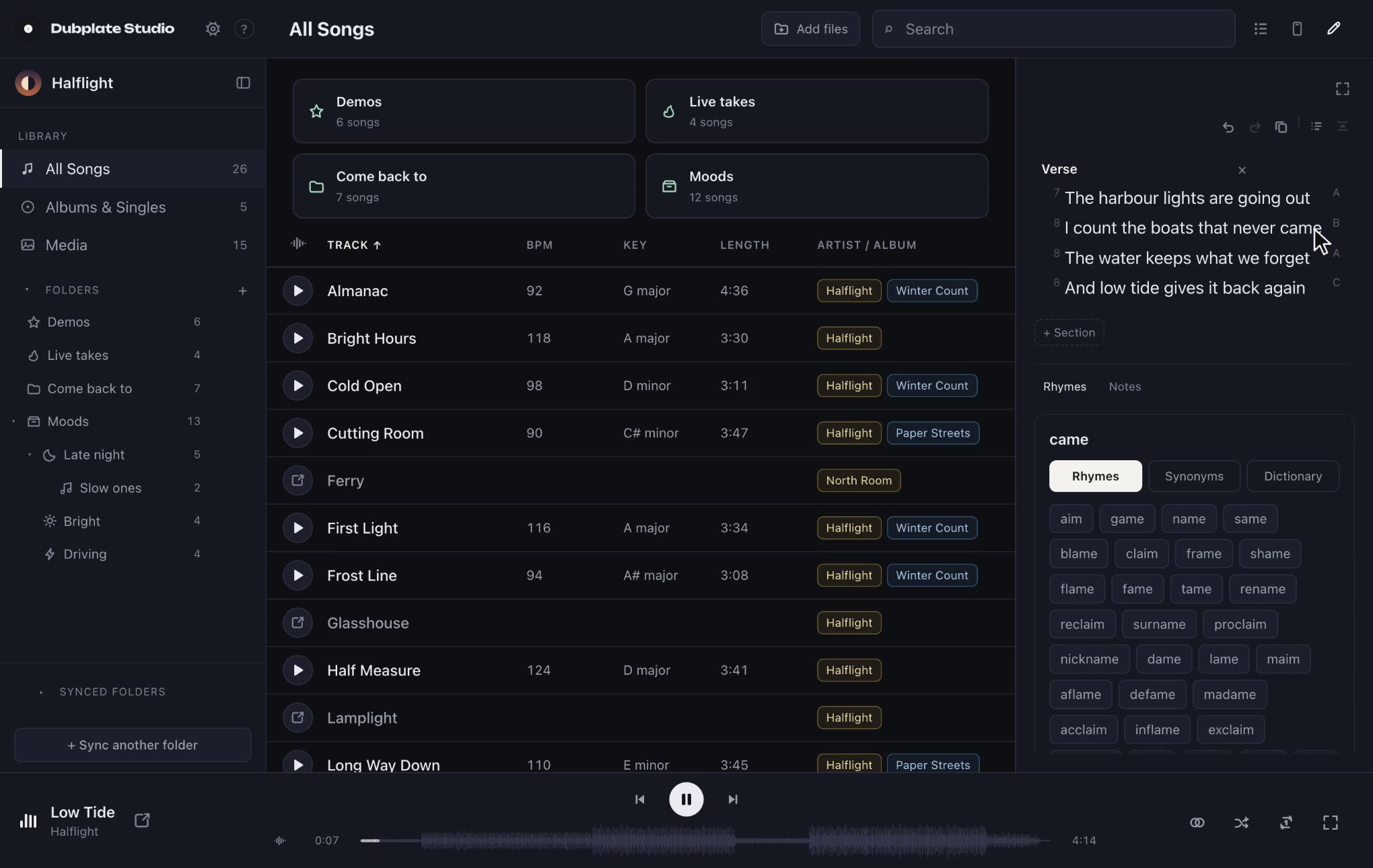
The tools, at the ready Works, Canvas and Write open beside the song you're on: what's still to come, the artwork, and the words.